Design Checker
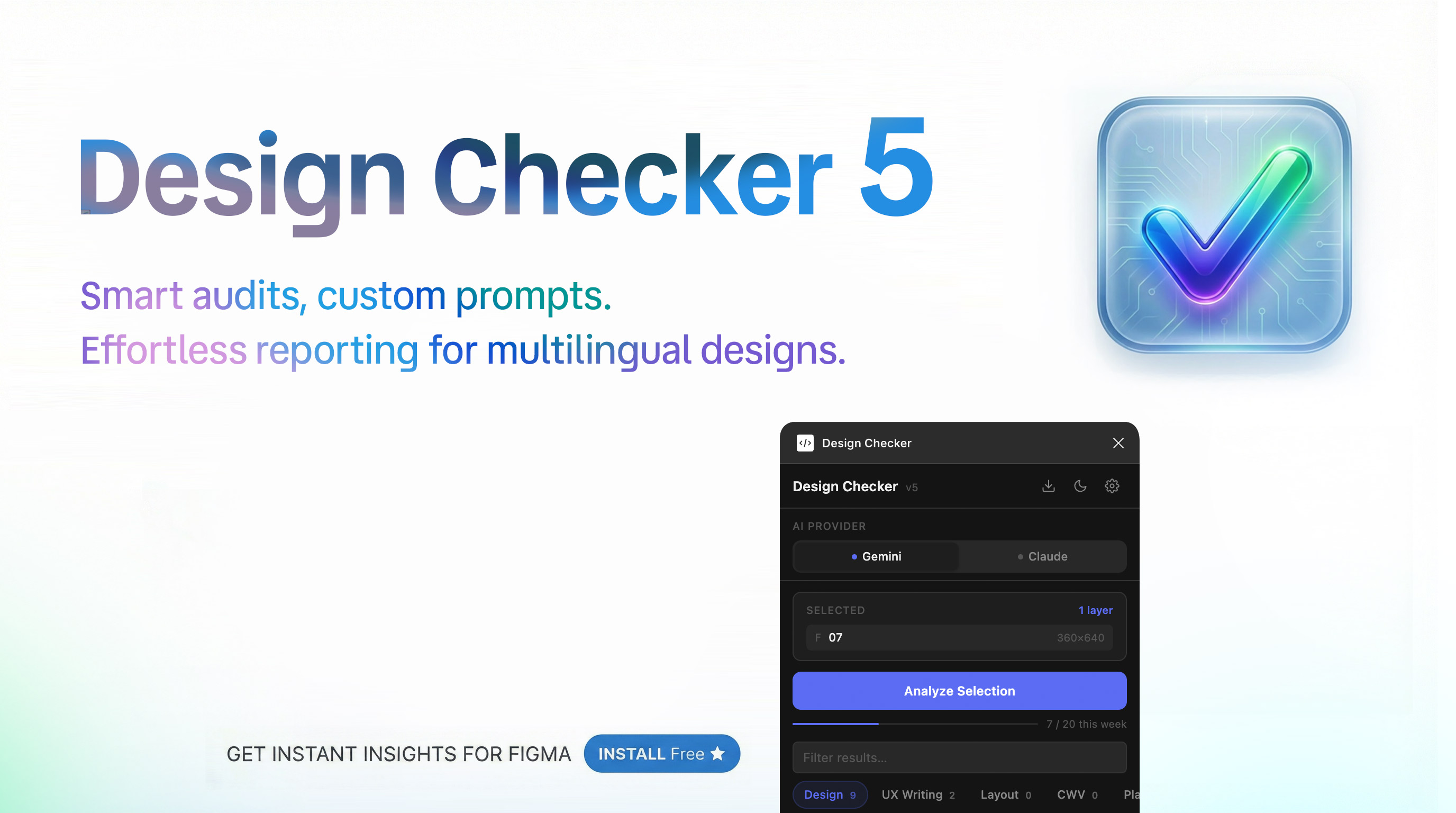
Design Checker reviews your Figma selections for common design issues and gives you AI-powered feedback — all without leaving Figma.
Select any frame, component, or layer, hit Analyze, and get two types of feedback:
Rule-based checks run instantly and flag real problems:
Text smaller than 12px
Touch targets under 44px
Missing horizontal padding on mobile frames
Vague CTAs ("Submit", "Click here", "OK")
Placeholder text left in the design
ALL CAPS usage, overly long body text
Large text without heading context (SEO)
Complex layouts with too many children (Core Web Vitals)
Image fills, desktop-only frames, corner radius below MD3 spec
AI analysis goes deeper across four areas:
Design Patterns — component hierarchy and visual consistency
UX Flow — information architecture and interaction structure
Aesthetic Review — color, typography, and spacing polish
UX Writing — all visible copy: headings, labels, CTAs, error messages, empty states
You can switch between Gemini and Claude as the AI provider. Results are shown in English or Turkish depending on your language setting.
What's new in v5
Rebuilt from scratch — faster, cleaner, no dependencies
Dual AI provider support: Gemini 2.5 Flash + Claude Haiku 4.5
Image-based analysis: the plugin exports your selection and sends it to the AI for visual review
Text-only fallback if the export fails
UX Writing analysis now covers entire frames, not just individual text layers
Custom rules input — add your own design guidelines
Dark and light theme
Export results directly to a Figma canvas report
Language toggle: English / Turkish
Usage limits
Free: 5 analyses per week, resets every Monday. Rate the plugin on the Community page to unlock 5 extra analyses.
https://www.figma.com/community/plugin/1626663477055012999/design-checker